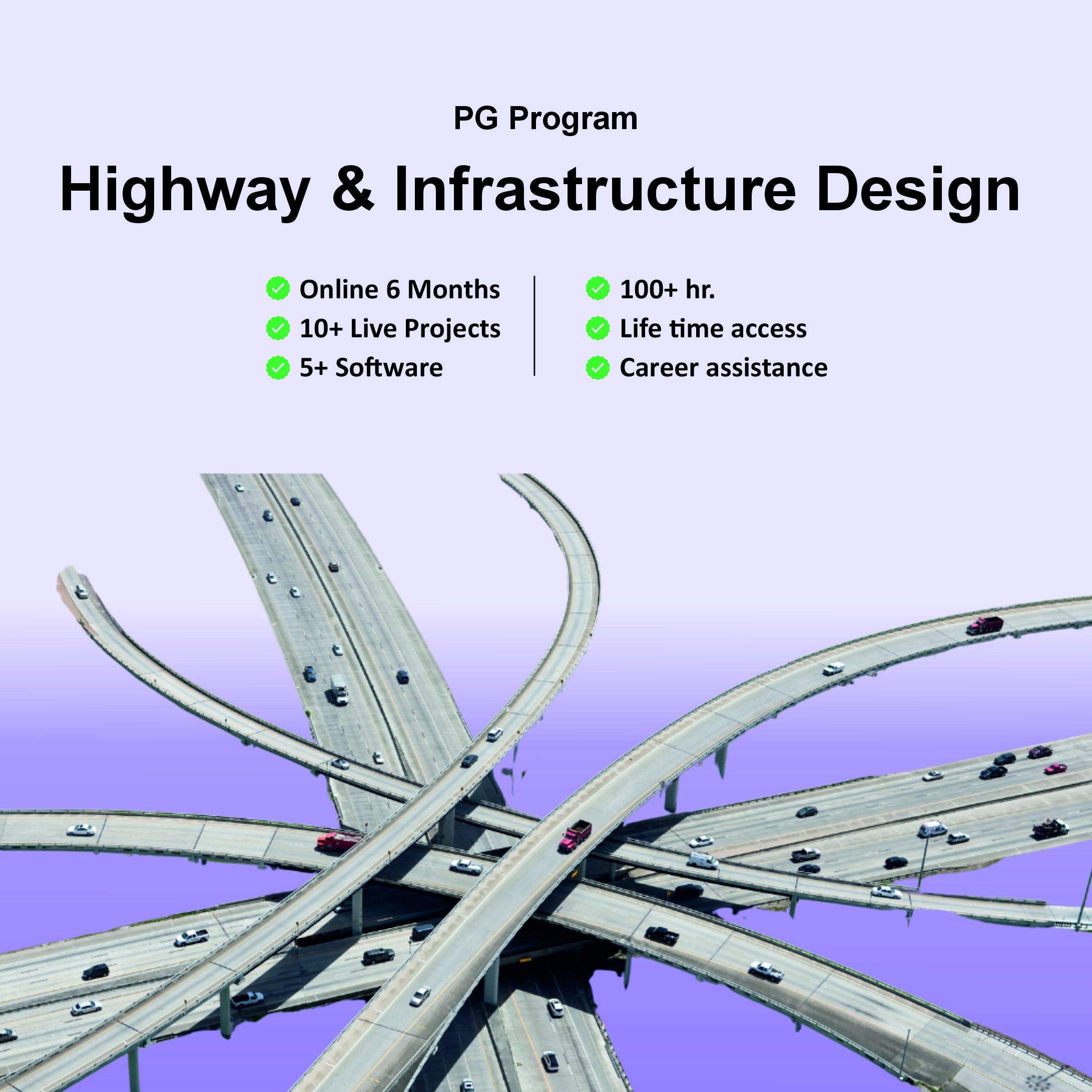
PG Program in Highway & Infarstructure Design


- Description
- Curriculum
Video source is missing or invalid.
🛣️ Highway & Infrastructure Design – Curriculum Overview
1️⃣ Introduction to Autodesk InfraWorks
-
Navigating the InfraWorks user interface
-
Connecting to data sources
-
Creating new project from Model Builder
-
Stylizing data sources and basic model element creation
2️⃣ Analyzing the Model
-
Model review and analysis tools
-
Collaboration and design communication features
-
Presenting the model to stakeholders
3️⃣ Roadway Design
-
Road types and components
-
Conceptual & geometric road design
-
Creating junctions & roundabouts
-
Sight distance, super-elevation & cut/fill balancing
-
Profile optimization & cross-sections
4️⃣ Bridge Design
-
Adding bridge elements to road projects
-
Configuring simple bridges (e.g., precast I-girder, steel plate girder)
-
Bridge quantity analysis
-
Exporting bridge models to BIM platforms like Revit
5️⃣ Tunnel Design
-
Adding tunnels into corridor models
-
Quantities and analysis for tunnel segments
-
Integration with overall infrastructure workflows
6️⃣ Drainage Design
-
Automatic drainage network creation
-
Watershed and terrain analysis
-
Culvert layout and hydraulic sizing
-
Surface layer analysis for roads & surrounding sites
7️⃣ BIM & GIS for Smart Cities
-
Setting up ArcGIS online and incorporating spatial data
-
Using GIS with InfraWorks and Civil 3D
-
Smart data asset integration and site verification workflows
8️⃣ Autodesk Civil 3D Integration
-
Exporting models from InfraWorks to Civil 3D
-
Importing detailed Civil 3D designs back to concept models
-
Coordination between conceptual and detailed design stages
9️⃣ Traffic & Highway Engineering
-
Geometric design principles (pavement, signs, barriers, lighting)
-
Traffic simulation setup & analysis
-
Intersection design (3-leg, 4-leg, roundabouts, interchanges)
-
Road safety and operation center elements
1️⃣0️⃣ Code-Based Design Concepts
-
Applying Indian IRC & MORTH standards
-
Using American AASHTO & FHWA guidelines
-
Road and highway design criteria per international codes
1️⃣1️⃣ Modeling & Design as per Code Requirements
-
Simulating reality using model builder options
-
Multiple design proposals and alternatives
-
Designing parking, public spaces, and additional elements
-
Standards for road protections and safety features
1️⃣2️⃣ Advanced Conceptual Modeling
-
Automating model creation from maps
-
Horizontal/vertical alignments & corridors
-
Site development using feature lines and grading tools
-
Quantity calculations & mass diagrams for project management
1️⃣3️⃣ Project Practice
Hands-on project modules such as:
-
Road planning and environmental modeling
-
Bridges and drainage design in a live context
-
Traffic simulation and infrastructure quantity calculations
-
Producing presentation visuals and animated storyboards
🧠 Software Covered
The course integrates leading software tools for highway and infrastructure projects:
-
Autodesk InfraWorks
-
Autodesk Civil 3D
-
ArcGIS
-
Twinmotion (3D rendering/visualization)
-
Tekla Structures (Bridge Creator)
(All used within BIM and GIS workflows.)
📐 Standards & Design Codes
Participants learn to design infrastructure layouts following:
-
IRC (Indian Roads Congress) & MORTH
-
AASHTO (American Association of State Highway and Transportation Officials)
-
FHWA and other international guidelines for traffic control and road design.
🧩 What You Will Be Able to Do
By the end of the course, you will be able to:
✔ Conceptually and geometrically design highways and roads
✔ Model bridges and tunnels within a single infrastructure environment
✔ Perform drainage and traffic simulations
✔ Integrate BIM & GIS data for smart city planning
✔ Coordinate designs between conceptual and detailed stages

This course is designed to introduce users to the concepts of Building Information Modeling (BIM) with a focus on infrastructure design using Autodesk InfraWorks. Participants will learn the basic features of InfraWorks, including creating new models via Model Builder, setting coordinate systems and units, and integrating GIS data for accurate visualization. The course covers conceptual design of roads, bridges, tunnels, railways, and water features, along with land coverage and terrain styling. Learners will add essential design elements and perform feature analysis such as line-of-sight, area, and volume calculations. The program also teaches model sharing between InfraWorks, Civil 3D, and Revit, and guides users in creating high-impact visualizations and storyboards. By the end of the course, participants will understand the InfraWorks-centric bridge modeling workflow and the role of BIM in infrastructure projects, culminating in the completion of a conceptual road project with custom elements and quantity estimations.